
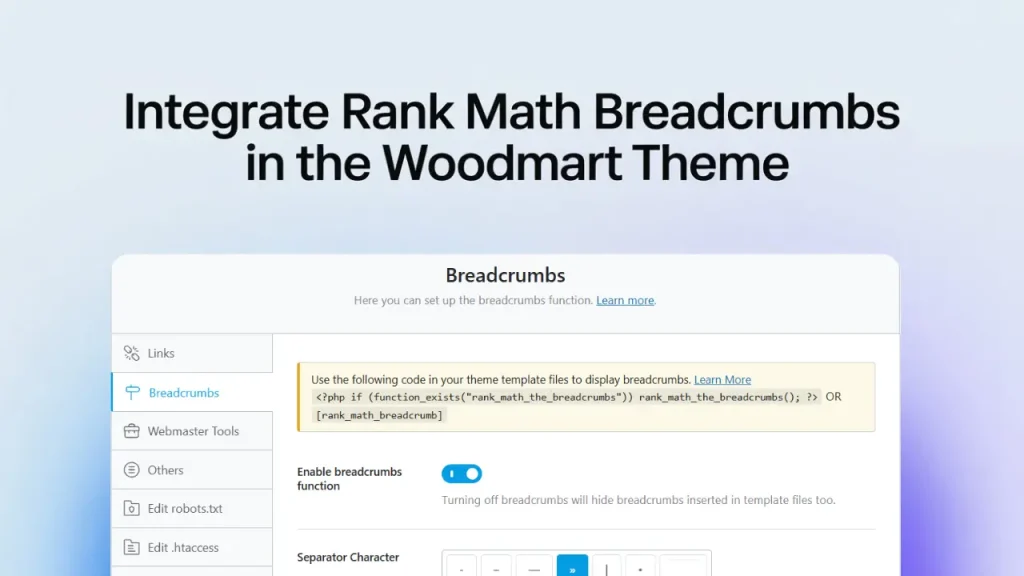
If you are using the WoodMart theme with Rank Math SEO, you may notice that breadcrumbs do not appear by default. WoodMart uses its own breadcrumb function, so Rank Math cannot replace it automatically.

In this guide, I’ll show you how to properly display breadcrumbs using a simple PHP snippet. This works on:
- WooCommerce Shop pages
- WooCommerce Product pages
- Blog posts & archives
- Custom layouts
Let’s fix the missing breadcrumb issue.
❗ Why Rank Math Breadcrumbs Don’t Show
WoodMart loads its own breadcrumb function:
woodmart_breadcrumbsfor normal pageswoocommerce_breadcrumbfor shop pages
This prevents Rank Math from displaying its version automatically.
To force WoodMart to use Rank Math breadcrumbs, we need to override this behavior with a simple function.
How to Enable Breadcrumbs (Code Fix)
Add the following code to your site in :
- Appearance > Theme file editor > function.php
📌 PHP Snippet
function woodmart_current_breadcrumbs( $type ) {
	$function = ( $type == 'shop' ) ? 'woocommerce_breadcrumb' : 'woodmart_breadcrumbs';

	if ( function_exists( 'rank_math_the_breadcrumbs' ) ) {
		rank_math_the_breadcrumbs();
	} else {
		$function();
	}
}
This code will:
✔️ Replace WoodMart breadcrumbs with Rank Math
✔️ Show SEO-friendly breadcrumb schema
✔️ Improve Google rich results detection
With this simple snippet, you can fully integrate breadcrumbs into the WoodMart theme.